Many people, including myself, initially underestimate the importance of an avatar. We think it’s just an “accessory” for our profile—something that looks okay and isn’t off-putting. But as I switched accounts across different social media platforms, participated in more communities, and tried various avatar makers, I realized that an avatar is a highly compressed visual language. Unlike an article that can be read slowly, or a video that can continuously capture attention, an avatar only has a fleeting moment to accomplish three things: be seen, be recognized, and be remembered.
Through this process, I discovered a counterintuitive but consistently valid principle: the simpler the avatar, the more effective it is at small sizes.
The Problem of Too Much Detail
Why excessive detail affects small-size performance
When you overemphasize detail while using an avatar maker, avatars often perform poorly at small sizes. Many beginners like to add intricate shadows, complex accessories, or gradient backgrounds. While these may look great at full size, in real display environments like comment sections, chat lists, and game friend bars (24px–48px), these details often vanish, reducing recognizability.
For example, I once tried creating a highly detailed character with elaborate accessories and gradient shading in Roblox Avatar Maker. When exported to a Discord chat list, the character’s facial features and accessories became almost indistinguishable, making it harder to recognize than a minimalistic avatar. This example demonstrates that small avatars are not for showcasing fine details—they are for conveying clear information.
Recommended tools and solutions
For this reason, we particularly recommend several avatar makers that perform exceptionally well at small sizes:
- Square Face: Known for clear geometric outlines, simple lines ensure recognizability even at small sizes. Perfect for comment sections and social media list avatars.
- Roblox Avatar Maker: Maintains consistent character style across multiple scenarios with high recognizability, ideal for gaming and social platforms.
- Adorable Profile Pictures Maker: Uses vivid colors and simple expressions to grab attention even at small sizes, suitable for younger users and active communities.
- Cat Avatar: Minimalistic cat ears and face design emphasize key features, offering high recognizability; a classic choice for minimalist avatars.
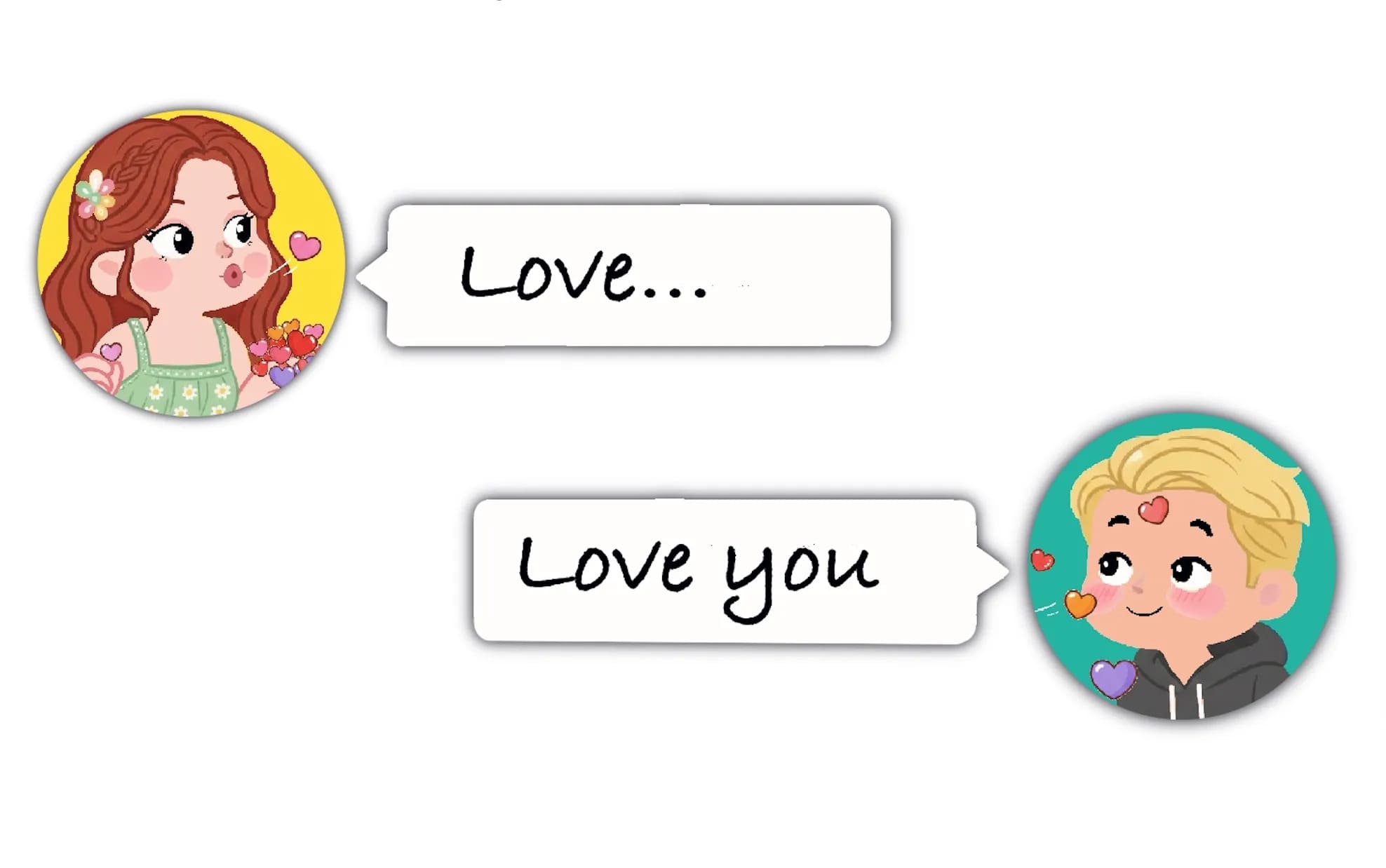
- Couple Profile Picture Maker: Creates interactive couple avatars, generating separate avatars for male and female users. When displayed together, they convey a couple vibe while remaining simple—perfect for social media or couple accounts.
In contrast, realistic styles may have rich details at large sizes, but lose key features when scaled down, making them less suitable for everyday avatars. Using these tools ensures your avatars remain clear and recognizable across small-size environments.
The Issue of Low Contrast
How low contrast affects readability
Low contrast is another common mistake. Many users select colors that are too similar in an avatar maker, making avatars difficult to recognize when reduced in size. Whether it’s hair, eyes, or clothing, if color contrast is insufficient, visual signals can get lost.
I once tried a light pink hair paired with a pale yellow background in Adorable Profile Pictures Maker, and when exported to Instagram comment sections, the avatar almost disappeared, barely noticeable at all. This shows that color contrast is more important than detail in small avatars.
Practical tips to improve contrast
Solutions include:
- Use Square Face or Adorable Profile Pictures Maker and choose high-contrast color combinations to ensure clarity at small sizes.
- In Roblox Avatar Maker or Couple Profile Picture Maker, ensure there is a clear color difference between two characters or elements, so interactive scenes remain easily distinguishable.
- For Cat Avatar, use bright ear or eye colors to create visual focus, making the avatar memorable even at small sizes.
High contrast not only enhances recognizability but also helps avatars quickly capture attention in social media and game interfaces, boosting interaction and identification efficiency.
Incorrect Aspect Ratio
How wrong aspect ratios affect avatars
Another common problem is incorrect aspect ratios. Many avatar makers produce avatars without considering the target platform, which can cause stretching or cropping, resulting in disproportionate characters or even losing key features.
For instance, I once uploaded a 1:1 square avatar generated in Roblox Avatar Maker to Discord, and parts of the character’s accessories were cut off, disrupting the interactive expressions and reducing recognizability.
How to fix aspect ratio issues
Solutions include:
- Square Face outputs square avatars that fit nearly all social platforms.
- Roblox Avatar Maker ensures consistent character proportions across scenarios, reducing cropping problems.
- Couple Profile Picture Maker outputs two separate avatars for male and female users; when displayed together, the proportions are natural and the interaction feels organic.
- Adorable Profile Pictures Maker offers multiple standard ratio options, convenient for Instagram, Discord, or Facebook uploads.
- Cat Avatar’s square pixel style naturally fits various interfaces, avoiding ratio errors.
Proper aspect ratios ensure avatars retain their original design across platforms without losing recognizability.
Overusing Effects
Common problems with effects
Many users like to add filters, glow, shadows, or dynamic effects in avatar makers. Excessive effects turn into visual noise at small sizes, obscuring the main features.
Practical ways to simplify effects
Recommendations:
- In Adorable Profile Pictures Maker, keep only minimal decorations like simple accessories or a smile.
- Square Face and Roblox Avatar Maker are inherently minimalist, avoiding excessive effects ensures the character stands out at small sizes.
- Couple Profile Picture Maker can use poses, colors, and couple outfits to convey relationships without additional effects.
- Cat Avatar relies on ears, eyes, or simple backgrounds for recognition, without complex filters.
Simplifying effects improves clarity, reduces distractions, and allows avatars to load faster and display stably across devices.
Practical Guide to Fixing Each Mistake
1. Reduce unnecessary detail
In avatar makers, remove extra decorations and shadows, and retain only the most essential features like face shape, hairstyle, eyes, or key expressions.Examples:
- Square Face: Keep geometric outlines and smile, remove unnecessary accessories.
- Couple Profile Picture Maker: Emphasize interactive couple poses, simplify background and props to avoid loss of clarity at small sizes.
2. Increase contrast
Choose vivid color combinations to make the subject stand out against the background.Examples:
- Adorable Profile Pictures Maker: Enhance hair and clothing color contrast to ensure recognizability at small sizes.
- Cat Avatar: Brighten ears, eyes, or whiskers to create visual focus.
3. Verify aspect ratio
Check platform-specific avatar dimensions before exporting to ensure proportions and cropping don’t affect recognizability.Examples:
- Roblox Avatar Maker: Use scaled-down previews before exporting to avoid stretching or cropping.
- Couple Profile Picture Maker: Ensure male and female avatars display naturally together, with complete interactive expressions.
4. Simplify effects
Retain only necessary expressions or small accessories; avoid excessive filters or animations.Examples:
- Square Face: Focus on core outlines only.
- Couple Profile Picture Maker: Use poses and matching couple outfits to convey relationships without glow or animations.
5. Simulate small-size display
When designing in Couple Profile Picture Maker, Square Face, Roblox Avatar Maker, or Adorable Profile Pictures Maker, shrink the avatar to the target display size to confirm all key features remain visible.Examples:
- Reduce avatars to 24px–48px, preview in comment sections, chat lists, or game friend bars, ensuring the character is immediately recognizable.
Following these five steps ensures avatars are clear, cute, and highly recognizable at small sizes, whether for personal social accounts, game characters, or brand icons.
Avatars as Highly Compressed Self-Expression
When discussing avatar makers, Square Face, Roblox Avatar Maker, Adorable Profile Pictures Maker, Cat Avatar, and Couple Profile Picture Maker, we are not just talking about style—we are talking about how to be seen and remembered in an instant. Choosing appropriate small-size designs, keeping it simple, and emphasizing key features are the keys to creating highly recognizable avatars.
In an age of information overload, simple, clear, and interactive avatars often have more impact than complex and detailed designs.